

How to Protect Company Website Properly
June 28, 2026
What a Website Management Service Covers
July 2, 2026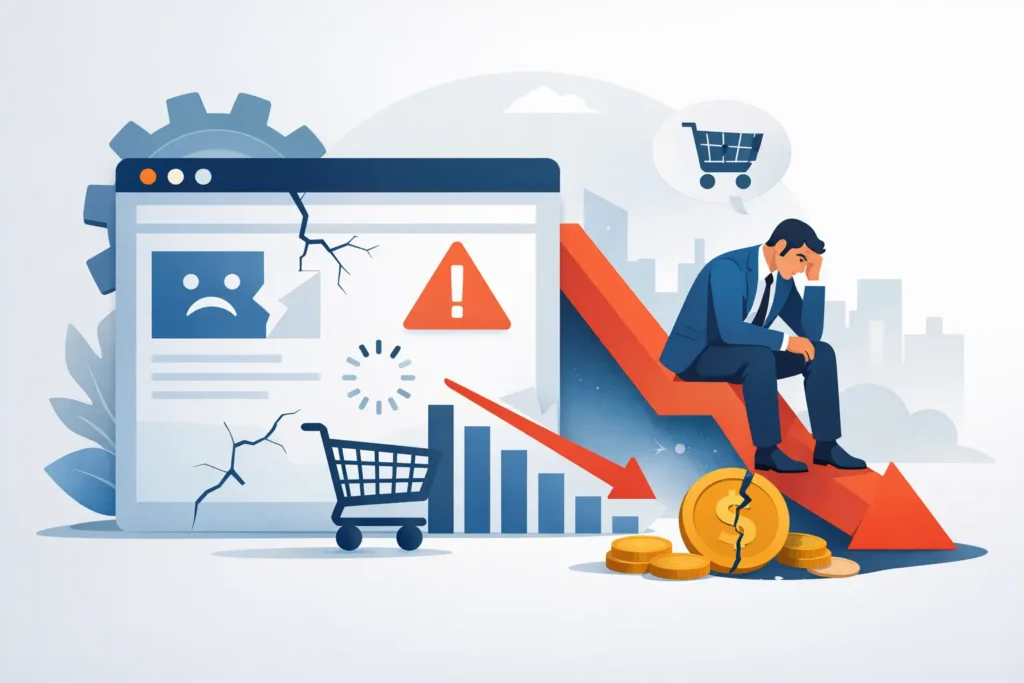
A customer clicks through to your website, ready to book, buy or get in touch. The page takes too long to load, the contact form does nothing, or the price listed no longer matches what you actually offer. In that moment, the question is not really can website problems hurt sales – it is how much business is slipping away before you notice.
For small businesses, a website is often the first salesperson people meet. It works after hours, answers basic questions and gives people enough confidence to make contact. When it is not working properly, the damage is rarely dramatic at first. More often, it shows up as quieter phones, fewer enquiries and online orders that never arrive.
How website problems hurt sales in real terms
Most website issues do not announce themselves. You usually do not get a message saying, “You have just lost three customers because your enquiry form failed.” Instead, people leave. They go back to search results, try a competitor or decide to put the job off.
That is what makes website problems expensive. They often reduce sales in ways that look like a marketing problem, a pricing problem or a seasonal dip. In reality, the issue may be much simpler. If your website creates friction, people stop moving forward.
A slow site is a good example. Small delays matter because visitors are often comparing several providers at once. If your pages drag, especially on mobile, patience runs out quickly. The same applies to broken buttons, expired security certificates, missing images and pages that display badly on newer phones. None of these problems need to be catastrophic to cost you money.
The sales impact starts before checkout
Business owners sometimes assume website issues only matter if they sell online. That is not the case. Even if your website only exists to generate calls, quote requests or bookings, problems still get in the way of sales.
Lost enquiries
If a contact form stops sending, a phone number is not clickable on mobile, or your email address is hidden in an image that does not load, potential customers may never reach you. Many will not try twice. They will simply move on.
This is particularly costly for service businesses where each enquiry could be worth hundreds or thousands of pounds. One unnoticed fault can quietly reduce lead flow for weeks.
Reduced trust
People judge a business quickly online. An outdated site, broken layout or warning message suggests neglect, even if your actual service is excellent. Customers may wonder whether your business is still active, whether payments are secure or whether support will be equally unreliable.
Trust is fragile. A professional website does not need to be flashy, but it does need to feel current, usable and safe.
Interrupted buying decisions
Sometimes a visitor is willing to buy but needs one final reassurance. They may want to check delivery details, opening times, reviews, product availability or your service area. If that information is old, hard to find or contradictory, hesitation creeps in. Hesitation reduces conversions.
The most common website problems that affect revenue
Not every website fault has the same commercial impact. Some are cosmetic. Others directly interfere with sales. The key is to focus on issues that stop people from taking the next step.
Slow loading pages
Speed affects both user behaviour and visibility in search. If pages are heavy, poorly maintained or running outdated plugins, people often leave before they even see what you offer. This is worse on mobile connections, where many customers first find local businesses.
Broken forms and checkout issues
If a form submission fails or an online checkout does not complete properly, sales are lost immediately. These are high-priority faults because they affect the exact point of conversion. Even small glitches, such as unclear error messages or fields that do not work properly, can be enough to stop a customer.
Outdated content
Old prices, discontinued services, expired offers and incorrect opening hours all create confusion. In some cases, they lead to awkward conversations after the customer gets in touch. In others, they stop the enquiry altogether because the visitor cannot tell what is current.
Mobile display problems
A website that looks acceptable on a desktop can still perform badly on a phone. Text may be too small, menus may be difficult to use or call-to-action buttons may sit in the wrong place. If mobile users struggle, conversions fall.
Security warnings and hacked pages
Nothing damages confidence faster than a browser warning or signs that a website has been compromised. If users see suspicious redirects, spam content or certificate problems, most will leave at once. Search engines may also reduce visibility, which creates a second layer of lost business.
Why small businesses feel the impact more
Large companies can sometimes absorb a degree of online inefficiency. A small business usually cannot. When your website generates a meaningful share of enquiries, even a short period of poor performance can hit revenue noticeably.
There is also a practical issue. Many small businesses do not have anyone regularly checking the site. Updates get postponed, content changes sit in an email draft and technical faults go unnoticed until a customer mentions them. By then, the problem may have been affecting sales for some time.
This is where ongoing maintenance matters. A website is not a brochure you publish once and forget. Software changes, devices change, security risks change and business details change. If the site does not keep up, problems build quietly in the background.
Can website problems hurt sales even if traffic looks fine?
Yes, and this catches many businesses out. You can still have steady traffic while conversions decline. That is often a sign that people are finding the site but not completing the action you want.
For example, your rankings may hold up for a while, but if visitors land on a page with broken trust signals, unclear information or technical faults, they will not convert. You may end up spending money on advertising or search activity to send people to a website that is underperforming.
That is why looking only at visitor numbers is not enough. You also need to know whether forms are working, key pages load properly, checkout functions correctly and mobile users can complete tasks without frustration.
Fixing the right problems first
If your website has several issues, it helps to think commercially. Start with anything that blocks enquiries, orders or trust. That usually means contact forms, checkout, mobile usability, page speed, security and core business information.
After that, look at content accuracy and overall presentation. A dated homepage banner is less urgent than a broken payment page, but both deserve attention in the right order. The point is not perfection. The point is keeping the website dependable enough to support sales every day.
For many business owners, the hard part is not deciding that the website matters. It is finding time to stay on top of it. That is why a maintenance approach makes sense. Regular checks, updates and small fixes are usually far cheaper than letting issues build until revenue is affected.
Prevention is usually cheaper than recovery
When a website problem becomes obvious, you are already behind. The sales loss has started, and now you need to investigate, fix and test while trying to keep the business moving. That reactive cycle is stressful and often more expensive than simple routine care.
A maintained website stands a much better chance of staying stable. Plugins are updated, backups are in place, content stays current and faults are spotted earlier. For a small company, that means fewer surprises and less risk of losing business over avoidable issues.
This is one reason businesses choose ongoing support from providers such as My Website Needs Help. It is not about adding complexity. It is about making sure the website keeps doing its job while you get on with yours.
What to watch for if sales feel softer than they should
If enquiries have dropped, online orders have become inconsistent or customers mention website frustrations, treat that as an operational warning sign. Check whether forms are arriving, test the site on your own phone, review your key pages and make sure important details are still accurate.
You do not need a full rebuild every time something slips. Often, the issue is a maintenance one rather than a design one. A few targeted fixes can restore performance quickly, provided the problem is spotted early.
Your website does not have to be clever to help sales. It does need to be live, current, usable and trustworthy. If it fails on those basics, customers notice – and they rarely wait around for you to catch up.
A good website should remove obstacles, not create them. If yours is adding friction, the sensible move is to deal with it before the next missed sale becomes the norm.