Website Optimisation for Conversions That Works
July 10, 2026
Website Maintenance or Redesign? How to Decide
July 14, 2026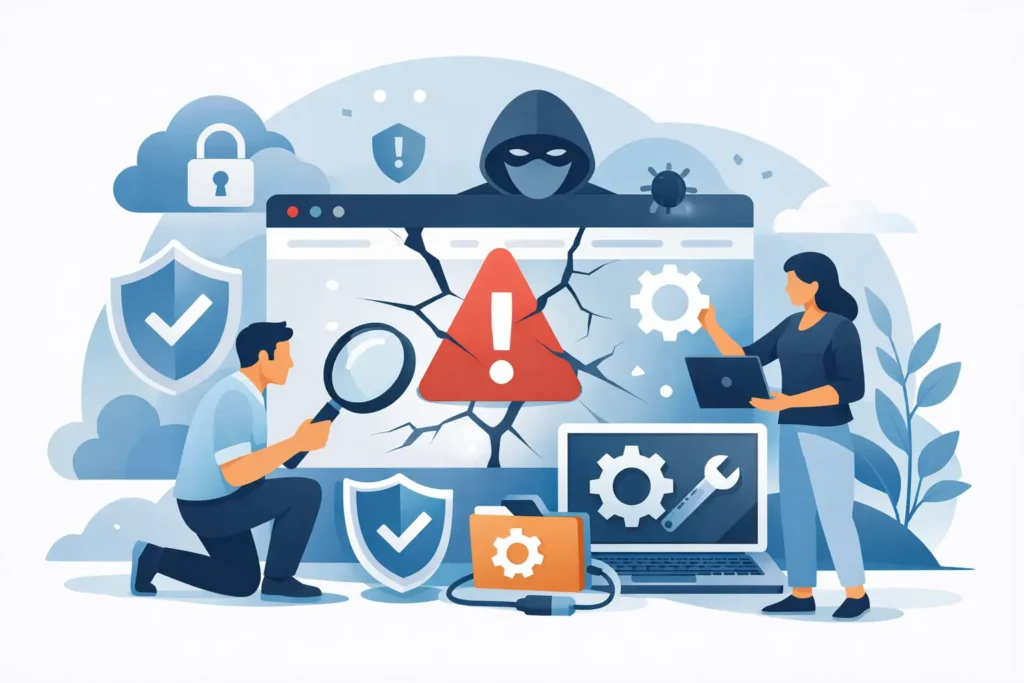
A hacked website is not just an IT problem. It can stop enquiries, interrupt sales, expose customer information and make a small business look unreliable at the exact moment people are trying to check whether they can trust you. Website recovery after a hacked site needs calm, practical action – not guesswork or a rushed attempt to make the warning message disappear.
The priority is to contain the problem, understand what has changed, restore a safe version of the site and prevent the same route in from being used again. For a busy business owner, that usually means getting proper website support involved early while keeping customers informed in a sensible, measured way.
What to do when you discover a hack
First, do not assume the problem is limited to the page you can see. A hacked site may show spam content, redirect visitors elsewhere, display a browser warning, send suspicious emails or simply become very slow. In some cases, the visible website looks normal while malicious files remain in the background.
Take these immediate steps before anyone starts making broad changes:
- Put the site into maintenance mode, or ask your hosting provider to restrict public access if there is a real risk to visitors.
- Change passwords for website administrator accounts, hosting, domain management, email accounts and database access. Use separate, strong passwords.
- Tell your web support provider and hosting company what you have seen, including screenshots, warning messages and the approximate time the issue began.
- Preserve a copy of the current site files and database before cleaning. It may help identify how the attack happened.
- Check whether any customer data, order details or contact form submissions may have been exposed.
Do not delete everything in a panic. Removing an obvious malicious file can make the site appear fixed while leaving a hidden backdoor behind. It can also remove evidence needed to establish the source of the breach.
Website recovery after a hacked site starts with containment
The first job is to stop the attacker retaining access. That means reviewing all administrator users, removing accounts that should not exist and changing credentials beyond the website itself. If a hacker has gained access through a reused password, updating only the WordPress or website login will not be enough.
Your hosting account should also be checked for unfamiliar users, scheduled tasks, file changes and email forwarding rules. If the site is built on a content management system, its themes, plugins and core software need reviewing as well. Out-of-date components are a common route into small business websites because attackers can scan for known weaknesses at scale.
It is worth asking a simple question at this stage: when was the website last known to be clean? A reliable backup from before the breach can be the quickest route back online. However, restoring a backup without fixing the original weakness may only recreate the same problem a few days later.
Clean the site properly, not cosmetically
A proper clean-up involves more than removing strange text from a page. Files should be compared against known clean versions where possible, and unfamiliar code needs investigating. Spam pages, redirect scripts, altered configuration files and new administrator accounts are all warning signs.
The database matters too. Hackers can place malicious code in page content, website settings, comments or user records. This is why a site may continue redirecting visitors even after apparently suspicious files have been removed.
For a simple brochure website, a clean restore from a verified backup followed by updates may be sensible. For an e-commerce site, membership platform or website receiving regular enquiries, the decision is more complicated. Restoring an older backup might remove recent orders, customer accounts or content changes. In that case, the safer approach may be to clean the current site, then carefully verify the data that must remain.
This is one area where speed and care need balancing. Getting a website live quickly is useful, but putting an unsafe site back online can create more disruption and damage trust further.
Check for warnings and blacklisting
Once the site is cleaned, check whether search engines and browser security services have marked it as unsafe. A warning in search results or a browser message can continue after the malicious code has been removed.
Your website should be scanned, tested on key pages and reviewed for unexpected redirects. If it has been flagged, a review request may be needed after the issue is resolved. This does not always happen instantly, so plan for a short delay before all warnings disappear.
If customers may have entered payment or personal information during the period of compromise, seek appropriate specialist advice. Depending on what data was involved, you may also have responsibilities under UK data protection law. Do not make assurances to customers until you know the facts.
Bring the website back in a controlled way
Before taking the site out of maintenance mode, test the parts that matter to your business. A restaurant should test menus, booking links and contact forms. A trades business should test mobile calls, quote forms and location pages. An online shop should test product pages, basket, checkout and order emails.
Check the site on a mobile phone as well as a desktop computer. Hacks and rushed recovery work can affect mobile layouts, images or forms without being obvious in one browser.
It is also sensible to review analytics and search visibility after recovery. Sudden new pages, unfamiliar search terms or a sharp fall in traffic can indicate spam content that was indexed before the problem was found. Remove any unwanted pages properly and monitor whether normal traffic returns over the following weeks.
You do not need to publish a dramatic statement for every incident. If service was interrupted, a short, honest message is usually enough: the site experienced a technical issue, it has been resolved, and customers can contact you directly if they need help. If the breach affects customer data, communication needs to be more specific and should be based on verified information.
Prevent the next incident with regular care
Most hacks are easier to prevent than to recover from. Small companies are often targeted because their websites are left running old software for months or years. A site may have been built properly, but websites are not fit-and-forget assets. Plugins, themes, server settings and security requirements all change.
A sensible maintenance routine includes regular software updates, tested backups, security monitoring and periodic checks of user accounts. Backups should be stored separately from the live website and tested occasionally. A backup that cannot be restored is not a recovery plan.
Keep the number of plugins and administrator users to a minimum. Every extra plugin or unused account is another item to maintain. Cheap or abandoned plugins can be particularly costly when they introduce a weakness that takes the whole website offline.
For businesses taking payments, handling customer accounts or depending heavily on online enquiries, more frequent checks are justified. The right level of support depends on what the website does for the business. A five-page site with one contact form has different risks from an online store processing orders every day.
My Website Needs Help provides ongoing website care for small businesses that want one dependable point of contact for updates, fixes and day-to-day protection. The aim is simple: keep the website working so it does not become another job on your list.
Keep a recovery plan before you need one
A short recovery plan can save hours when something goes wrong. Keep the details of your hosting company, domain provider, website support contact and renewal dates in one secure place. Make sure at least one trusted person in the business can access them if the usual contact is unavailable.
Decide in advance who can approve taking the website offline, who speaks to customers and how recent your backup needs to be. These are small decisions when made calmly, but difficult ones when sales are being lost by the hour.
A hacked site is unsettling, but it does not have to become a long-term business problem. Careful recovery and regular maintenance turn a one-off emergency into a useful prompt to put the right protection in place.