Why Is Website Loading Slowly? Common Causes
September 8, 2026
A Malware Cleanup Example for Small Businesses
September 10, 2026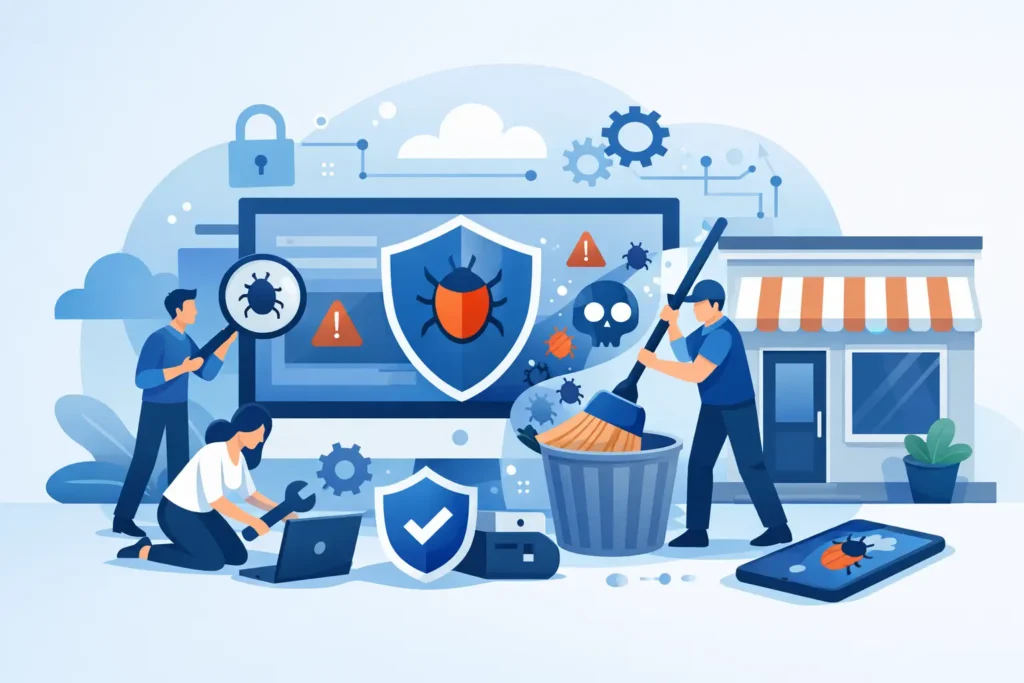
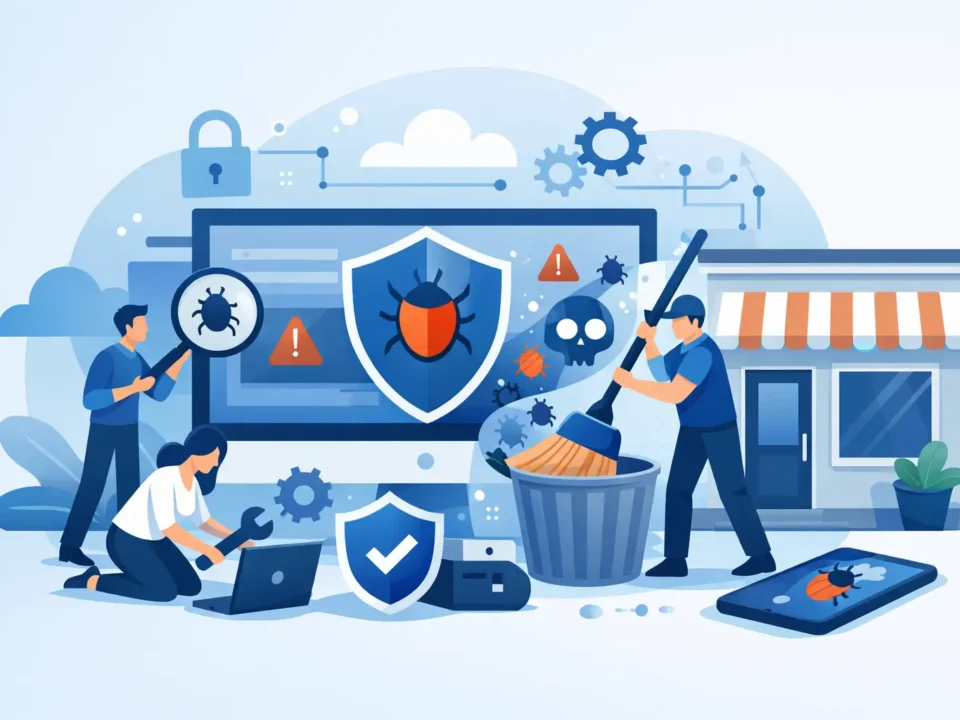
A contact form that suddenly sends spam, a warning in Google results, or a customer saying your site redirected them elsewhere can be the first sign of a serious problem. This malware cleanup example shows what a sensible response looks like for a small business website, and why acting quickly matters more than trying random fixes.
For a busy owner, malware is not just a technical nuisance. It can interrupt enquiries, damage customer confidence, affect search visibility and leave you wondering whether the problem has really gone. The aim is to get the website safe, working and monitored again without creating a longer period of disruption.
A realistic malware cleanup example
Imagine a London-based trades business with a WordPress website. The site has service pages, a gallery, a contact form and a small number of customer testimonials. It has not been updated for several months because the owner has been busy on jobs.
One morning, the owner searches for the business name and sees a browser warning beside the website. A customer has also reported being sent to an unfamiliar betting site after clicking a link from a Google result. The website still appears normal when the owner opens it on their office computer, which makes the issue more confusing.
This is common. Malware does not always make a website visibly unusable. It may target visitors arriving from search engines, show harmful content only on mobile devices, inject spam pages into search results or create hidden administrator accounts. A site can look fine on the surface while causing damage in the background.
The first job is to confirm what has happened and limit the risk. That means placing the website into maintenance mode if necessary, taking a complete backup of its current state for investigation, and checking the hosting account, website files, database and administrator users. The backup is not a clean restore point yet. It is evidence of what was present before the work began.
In this example, the checks find three problems: an outdated plugin with a known security weakness, unfamiliar code added to a theme file, and two administrator accounts that the business does not recognise. The malicious code is creating redirects for some visitors, while the extra accounts provide a way for an attacker to return.
What proper cleanup involves
Removing the visible redirect is not enough. If the vulnerable plugin stays in place or an unknown user remains active, the site can be compromised again within days. A proper cleanup deals with the cause as well as the symptom.
The affected plugin is removed and replaced with a maintained alternative where needed. The infected theme file is replaced with a clean version, rather than simply deleting a few suspicious lines. Unknown administrator accounts are removed, all genuine user passwords are reset, and the website’s security keys are changed so existing sessions are invalidated.
The website core, theme and remaining plugins are then updated after compatibility checks. File permissions and hosting settings are reviewed, and the site is scanned again. The contact form, main pages, mobile display and any enquiry process should be tested before the site returns to normal use. For an e-commerce website, this also means testing baskets, checkout, payment confirmation emails and stock-related functions.
There is a trade-off here. Restoring an old backup can be quicker, but it may remove legitimate content changes made since that backup was taken. It can also reintroduce the same weakness if the old version was never updated. In some cases, a clean restore is the best option. In others, careful removal and repair is less disruptive. The right approach depends on the age and quality of available backups, the type of malware and how much of the site has been affected.
Once the website is clean, it should be submitted for a review if search engines or browsers have flagged it as unsafe. That review can take time, so there is no value in promising an instant removal of a warning. The important point is that the site is genuinely repaired before the review is requested.
Why a website gets infected
Most small business website infections are not personal attacks on the owner or business. Automated bots scan the web for known weaknesses, particularly old plugins, unsupported themes, weak passwords and poorly protected login pages. They do not care whether the site belongs to a national brand or a local electrician. They look for the easiest route in.
A few common causes tend to come up repeatedly:
- Website software, themes or plugins have not been updated.
- Login details are weak, shared too widely or have been exposed elsewhere.
- Old plugins remain installed even though they are no longer used.
- The website uses a theme or extension from an untrusted source.
- Hosting access has not been reviewed after a previous developer or employee left.
None of this means a business owner has been careless. Website maintenance is easy to postpone when the site appears to be working. The issue is that security weaknesses are often invisible until somebody exploits them.
The business impact is usually wider than one broken page
A compromised website can cost more than the repair work. If customers see a warning before visiting, they may simply choose another supplier. If spam pages appear in search results, your business can look unreliable. If malware sends fraudulent emails from a domain or captures information through a form, the problem may extend beyond the website itself.
There is also the time cost. An owner may spend hours contacting hosting support, searching forums, changing passwords and checking whether the website is safe. That is time away from clients, sales and day-to-day work. For a small business, continuity matters. A modest issue can become expensive when it stops enquiries arriving.
This is why it is better to treat security as routine upkeep, not emergency repair. Like checking a vehicle before an MOT, regular attention is usually cheaper and less stressful than dealing with a failure at the worst possible time.
What to do when you suspect malware
Do not ignore a browser warning or assume it will clear on its own. Take a screenshot of the message and make a note of the page, device and time it appeared. Ask the person reporting it for the exact link they used, if possible. This helps identify whether the problem affects the entire website or only certain visitors.
Avoid installing several security plugins at once or deleting files without a backup. These actions can make investigation harder and may break a working part of the site. Also avoid sending customers to a website that may be unsafe. If there is a genuine risk, a temporary holding page with an alternative phone number or email address is often the better choice.
Then make sure the right people have access. Your website support provider will need relevant hosting and website access, while you may need to change the password on the email account connected to those services. If the site takes payments or holds customer data, seek appropriate specialist advice promptly, as wider reporting and data protection duties may apply.
Preventing the next incident
A clean website is only the starting point. Ongoing updates, monitored backups and regular security checks reduce the chance of a repeat. They also mean there is a recent, tested recovery option when something goes wrong.
For small firms, the practical answer is usually a simple maintenance routine that covers updates, backups, security checks and help when a problem appears. It does not need to be complicated or expensive, but it does need to happen consistently. My Website Needs Help provides ongoing website care for businesses that want that responsibility handled without employing an in-house web team.
Keep a current list of who has administrator and hosting access, remove accounts that are no longer needed, and use separate strong passwords for each service. Make time to review your website after major changes, too. A new plugin, a redesign or a change of developer can all introduce risk if handover details are missed.
If your website is showing warning signs, deal with them before customers have to. A prompt, methodical cleanup can protect the trust you have worked hard to build and let you get back to running the business.